Renewal Calendar Workflow for Subscriptions, Domains, and Phone Numbers
A calendar invite is not enough to manage renewals. The calendar needs ownership, context, and an action rule. Otherwise it becomes another notification people dismiss.
This workflow turns renewal dates into an operating system for subscriptions, domains, phone numbers, and other assets that can expire.
1. Choose the Right Date Type
Different assets need different date logic:
- Fixed renewal date: subscriptions, domains, contracts
- Inactivity window: Google Voice, VoIP numbers, some developer accounts
- Cancellation deadline: annual SaaS contracts and trials
- Rotation date: API keys and credentials
- Review date: assets with unclear renewal terms
Do not force everything into "expiration date." Store the rule that actually creates risk.
2. Create Reminder Windows
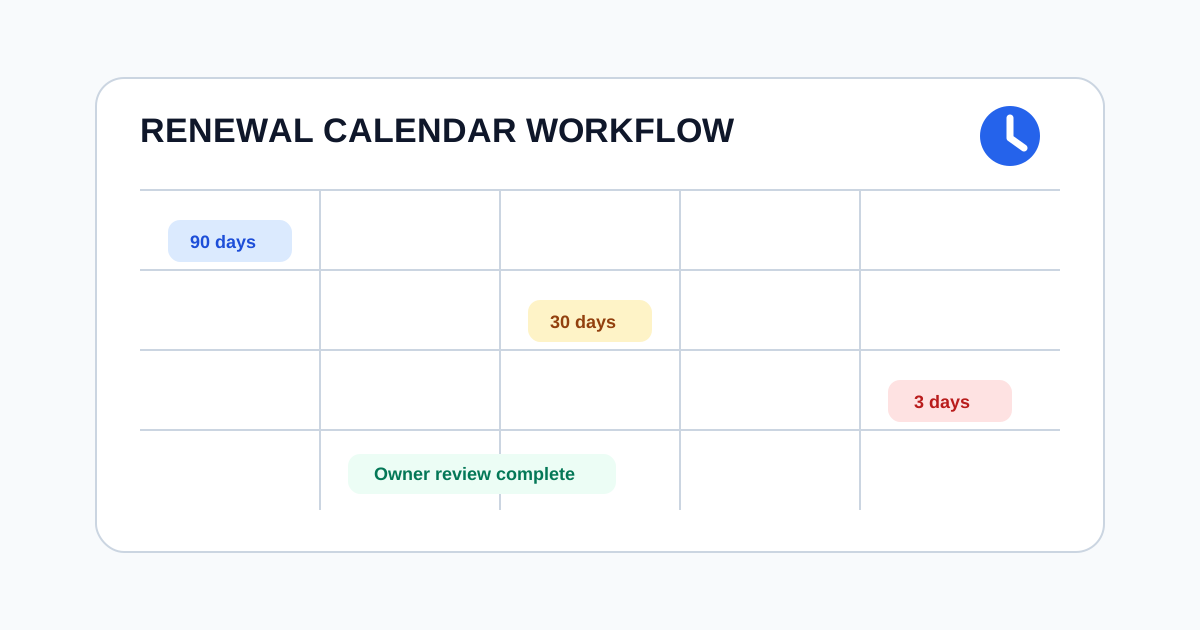
Use multiple reminders because each window has a different purpose:
| Window | Purpose |
|---|---|
| 90 days | Budget, ownership, and contract review |
| 60 days | Provider access and payment check |
| 30 days | Decide renew, cancel, downgrade, or transfer |
| 14 days | Escalate if no owner response |
| 3 days | Urgent operational follow-up |
For inactivity-based assets, shorten the windows around the last active date.
3. Put the Action in the Event
Each calendar item should answer:
- What asset is at risk?
- Who owns it?
- What action keeps it safe?
- What happens if no one acts?
- Where is the provider account?
- Who is the backup owner?
An event titled "domain renewal" is weak. An event titled "Renew example.com or escalate to Infrastructure" is useful.
4. Route by Criticality
Low-risk assets can stay in email. Critical assets need stronger routing:
- Email for routine reminders
- Slack or Teams for team-owned subscriptions
- Calendar feeds for personal planning
- PagerDuty or incident tools for production-impacting assets
- Finance review for high-value renewals
The channel should match the consequence of missing the date.
5. Close the Loop
Every reminder needs a completion action:
- Mark renewed
- Mark canceled
- Check in
- Snooze with reason
- Reassign owner
- Escalate
Without a completion state, the same reminder returns next month with no record of what happened.
6. Review the Next 90 Days Weekly
For teams, a weekly review of the next 90 days is enough to catch most renewal risk:
- Filter to assets expiring or needing action in the next 90 days.
- Confirm each high-risk item has an owner.
- Escalate unassigned assets.
- Record completed renewals or cancellations.
- Add new assets discovered during review.
Final Check
A renewal calendar works when it tells the team what to do, who should do it, and when escalation starts. Dates alone are not enough. Ownership plus action is the control.
Frequently Asked Questions
What dates should a renewal calendar track?
Track renewal dates, cancellation deadlines, inactivity deadlines, owner review dates, and escalation dates separately.
How many reminders should each renewal have?
Use multiple windows for important assets, such as 60, 30, 14, and 3 days before the action deadline.
What makes a renewal workflow complete?
A renewal is complete only after the owner takes action, records the result, and updates the next review or expiration date.
Related Articles
- Domain Expiration Checklist: Renewal Controls Before DNS Breaks
- Digital Asset Inventory Template for Expiration Risk
- How to Prevent Google Voice Number from Expiring
Last Updated: June 15, 2026